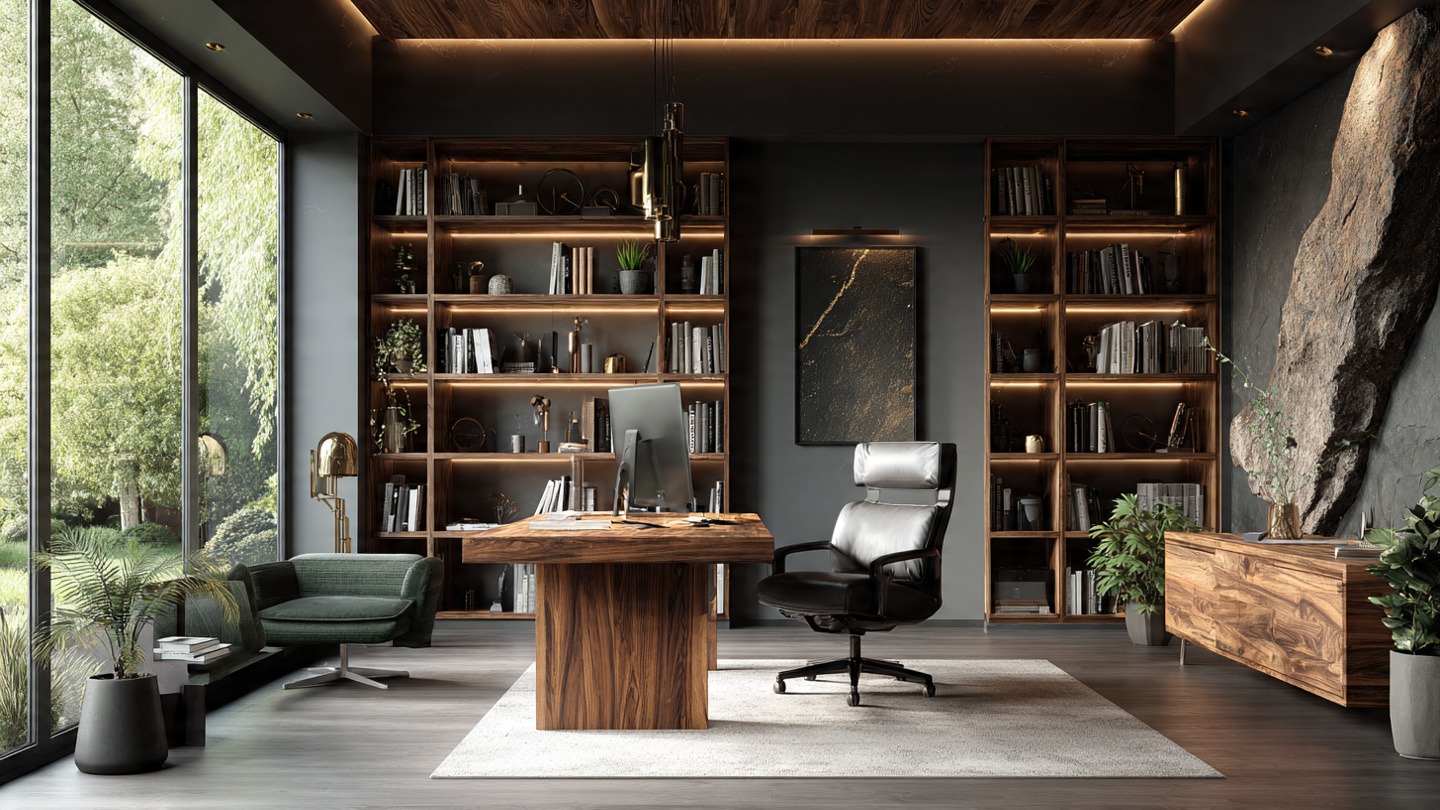

Rethinking Home Office Design for Real Homes
Most people approach home office design as a quest for a “pretty room,” focusing on paint colors and trendy accessories. However, a truly effective workspace is not a gallery; it is a productivity system. The physical environment you inhabit directly influences your cognitive load. When your space is cluttered or poorly organized, your brain spends valuable energy processing those distractions instead of focusing on the task at hand.
The secret to a high-performance workspace lies in psychological zoning. This means creating a clear mental boundary between your professional obligations and your personal relaxation. By intentionally structuring your home office design, you signal to your brain that it is time to shift from “home mode” to “work mode,” reducing the friction of starting your day and making it easier to disconnect when the clock hits five.
Mapping Your Layout: Zoning for Efficiency
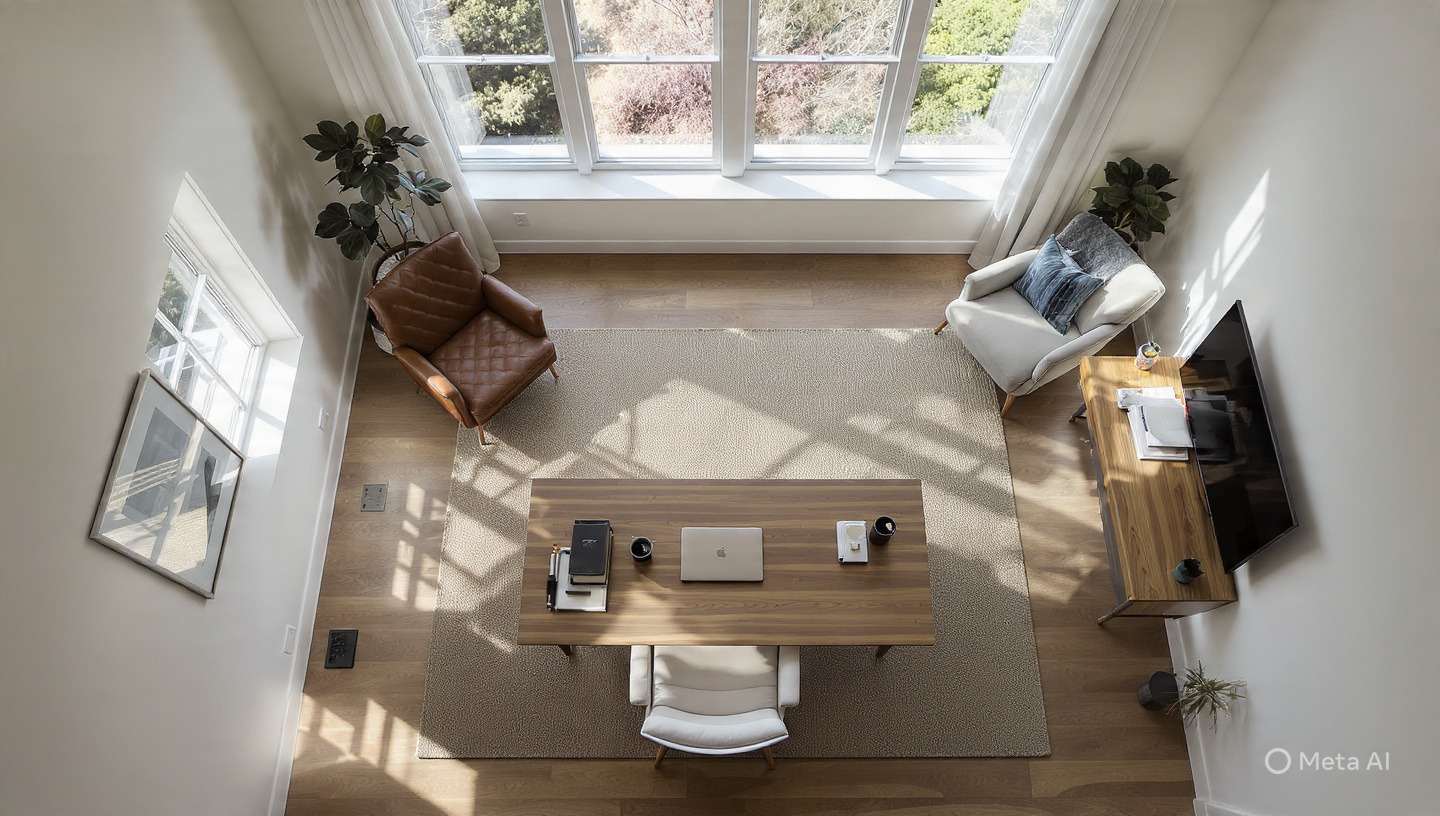
Efficiency in the workspace is often a matter of geometry. In kitchen design, experts use the “work triangle”; your office requires a similar approach. Your layout should minimize unnecessary movement while maximizing the utility of your available square footage. For those struggling with limited space, space-saving L-shaped desks are an excellent solution, as they allow you to pivot between different tasks without leaving your seat.
When planning your home office design, consider the placement of your desk relative to natural light. Positioning your monitor perpendicular to a window is ideal; placing it directly in front of the window can cause blinding glare, while placing it behind you creates reflections on the screen.
Furthermore, implement the concept of “functional zoning.” Divide your area into a “deep work zone” for high-concentration tasks and an “admin zone” for emails, filing, and phone calls. Even in small home office ideas, a simple shift in orientation or the use of a separate small table for printing and sorting can prevent your primary creative space from becoming a dumping ground for paperwork.
The Ergonomic Foundation: Support That Lasts
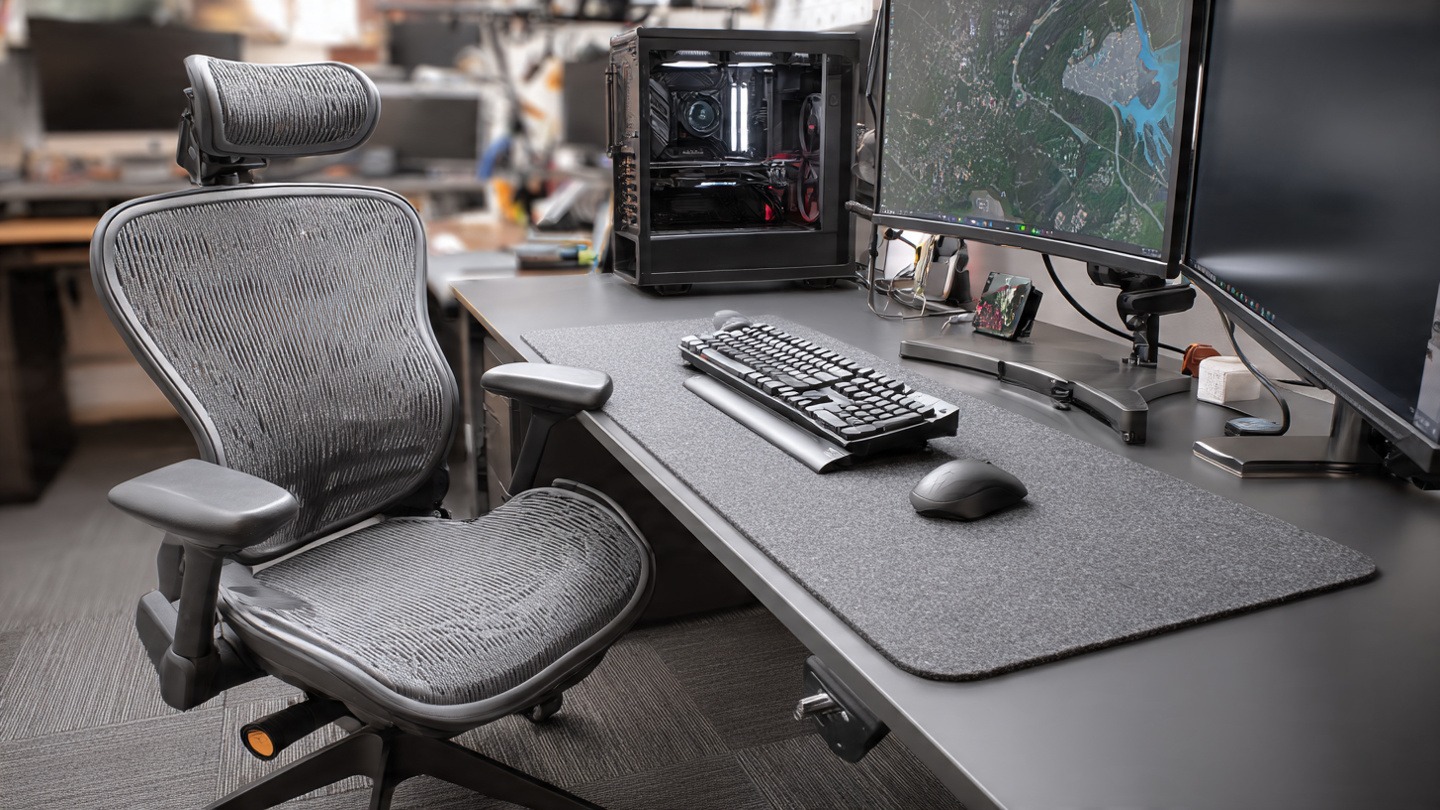
A beautiful room is useless if you are too physically exhausted to work in it. Poor home office design often manifests as chronic lower back pain, neck strain, and wrist fatigue. The foundation of any professional workspace is the relationship between your body and your equipment. Your monitor should be positioned so that the top third of the screen is at eye level, preventing the “tech neck” caused by looking downward for eight hours a day.
Equally critical is your seating. A standard dining chair is not designed for prolonged cognitive labor. Investing in high-back ergonomic chairs with adjustable lumbar support is non-negotiable for long-term health. Proper support maintains the natural curve of your spine, which increases blood flow to the brain and prevents the mid-afternoon slump caused by physical discomfort.
- Feet flat on the floor or on a footrest.
- Elbows at a 90-degree angle, resting comfortably on the armrests or desk.
- Screen distance: roughly an arm’s length away from your eyes.
- Lower back firmly supported by the chair’s lumbar curve.
Lighting Layers: Reducing Eye Strain and Fatigue
Lighting is the most overlooked element of home office design, yet it has the most immediate impact on your mood and energy levels. To avoid fatigue, you must implement three distinct layers of lighting: ambient, task, and accent.
Ambient lighting is your general overhead light, providing a baseline of visibility. Task lighting is focused and intense, designed for specific activities like reading or writing. Integrating adjustable LED task lighting allows you to direct light exactly where it is needed without creating shadows across your workspace. Finally, accent lighting (such as a warm floor lamp) helps soften the room and reduces the harsh contrast between your screen and the surrounding environment.
For maximum alertness during the day, use “Cool White” or “Daylight” bulbs (4000K to 5000K). As you wind down in the evening, switch to “Warm White” (2700K to 3000K) to signal to your brain that it is time to relax.
Excessive blue light from screens can disrupt your circadian rhythm. Ensure your screen is not the only light source in the room, and consider using blue-light filtering software or glasses during late-night sessions to protect your sleep quality.
Curating the Visual Backdrop: The Professional Edge
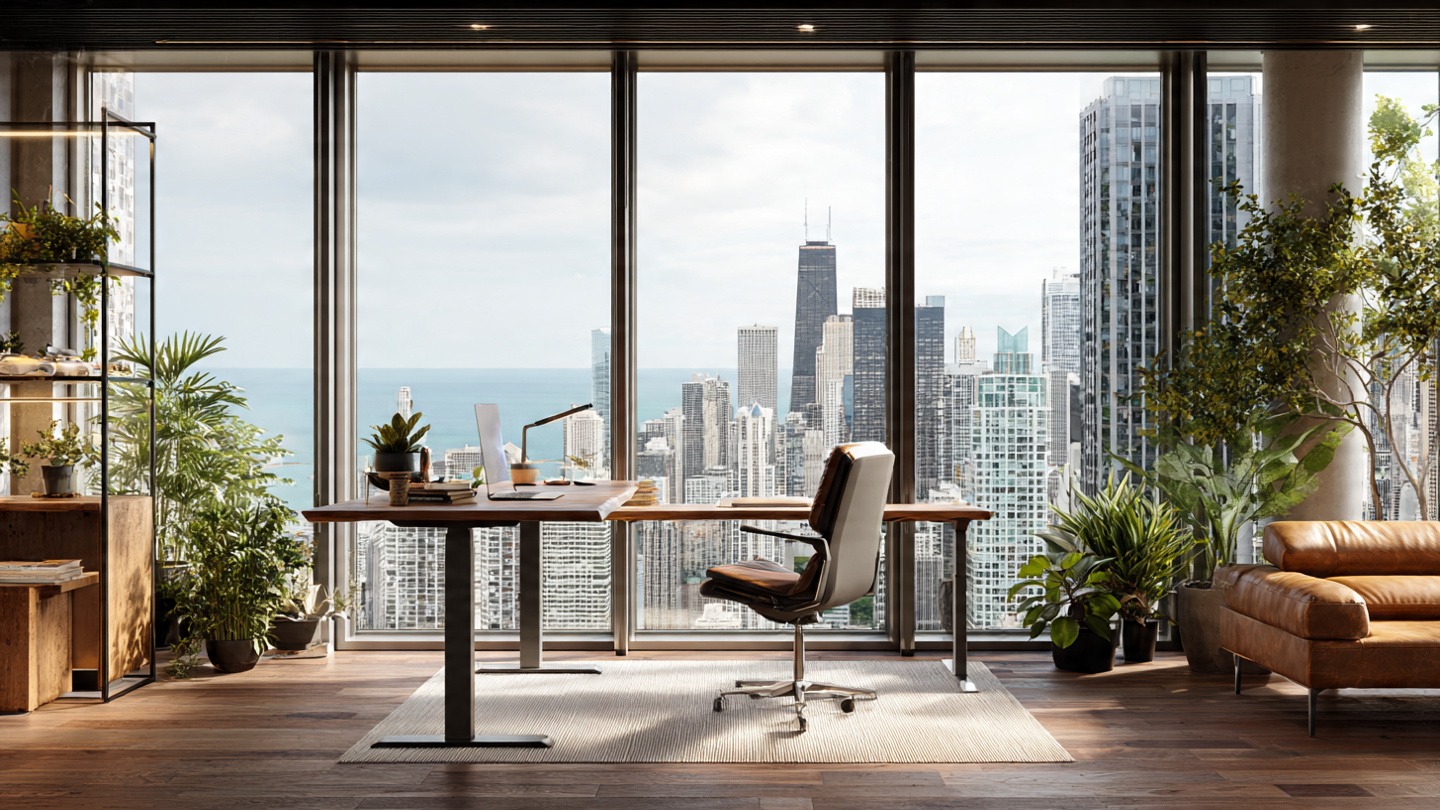
Transform your workspace with our guide to a modern home office. Discover minimalist design tips, ergonomic essentials, and layout ideas Read more
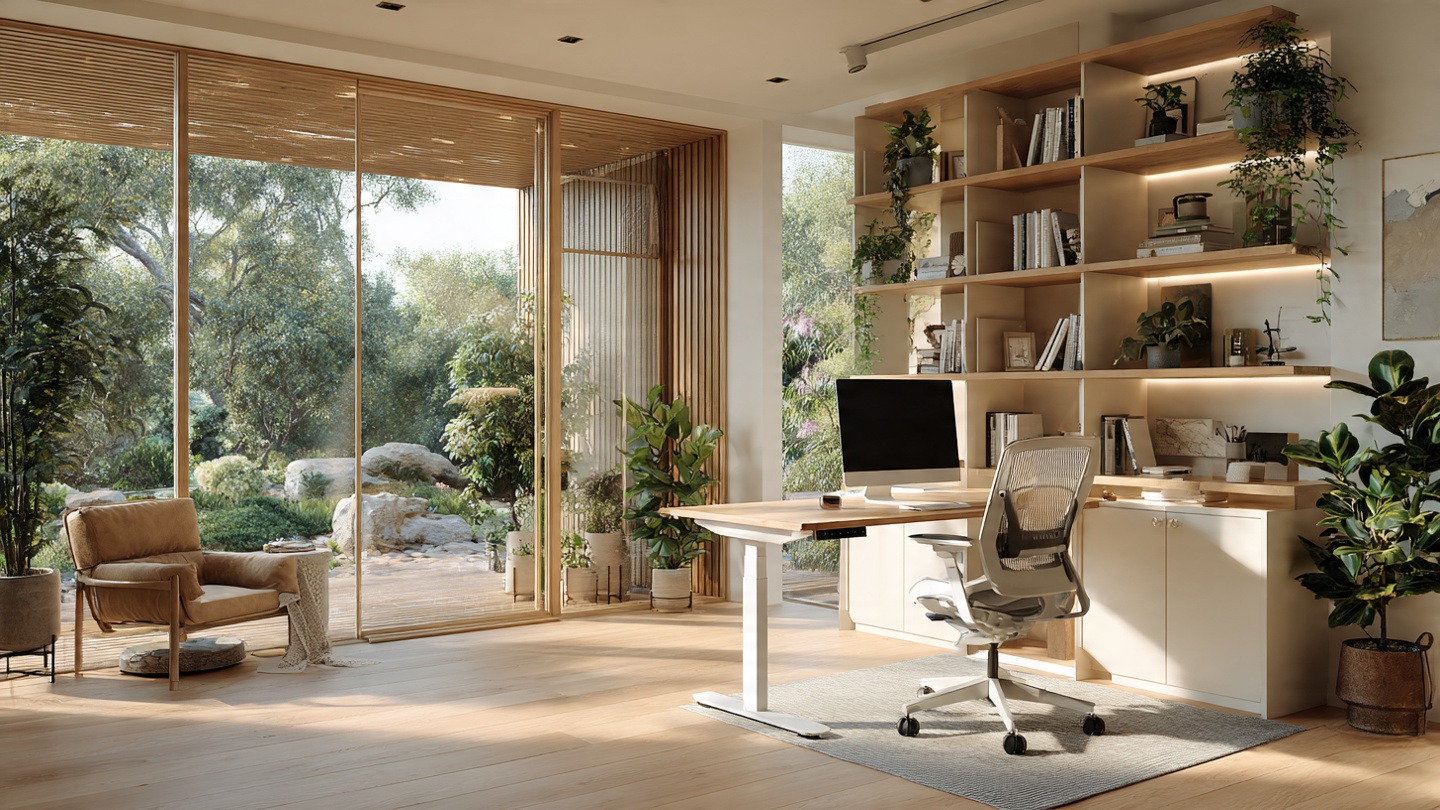
Transform your workspace with these functional office ideas. From small room hacks to ergonomic setups, find the perfect layout for Read more
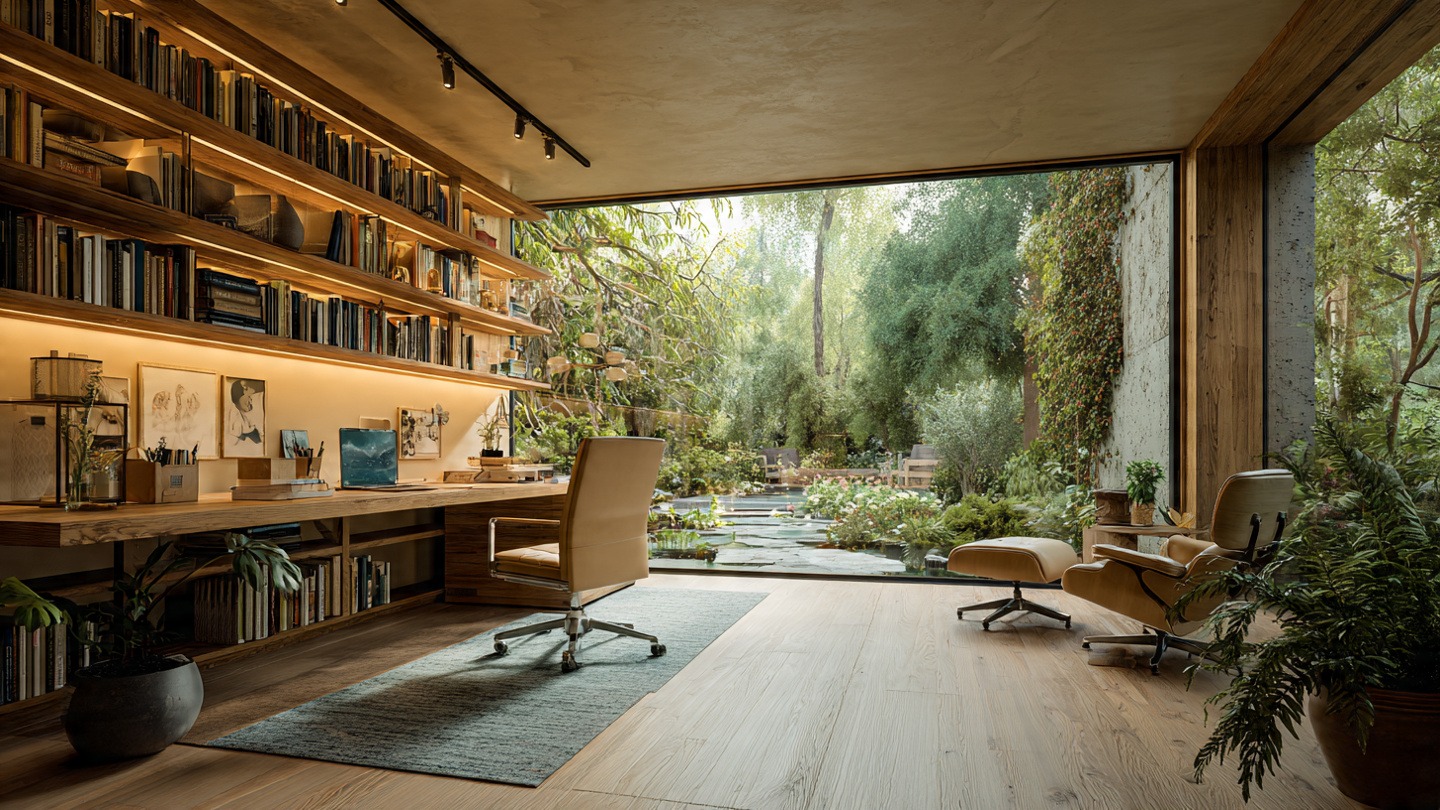
Transform your workspace with these curated office ideas. From small room hacks to ergonomic setups, find the perfect balance of Read more
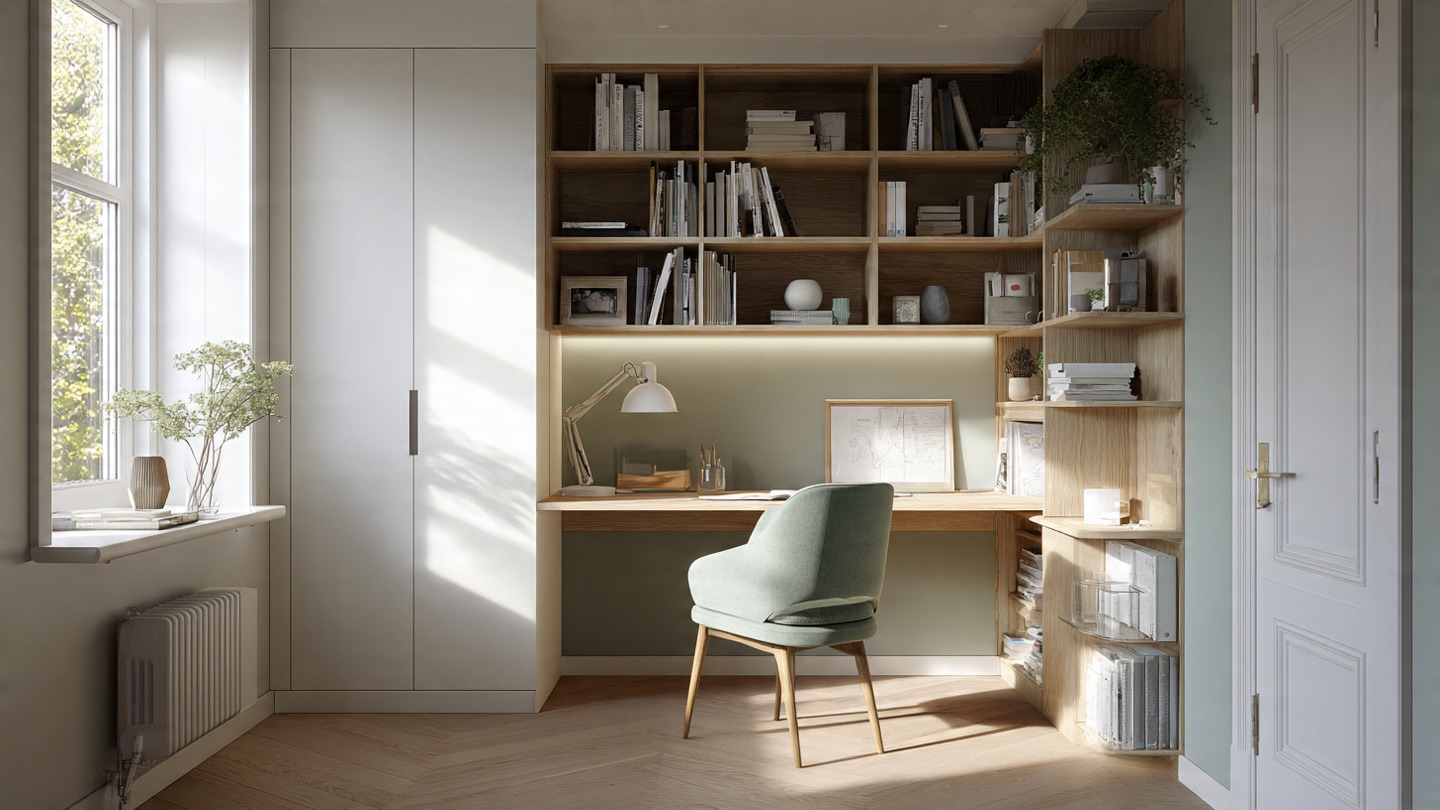
Stop feeling cramped. Discover smart small office ideas and layout hacks to create a productive, stylish workspace in any tiny Read more
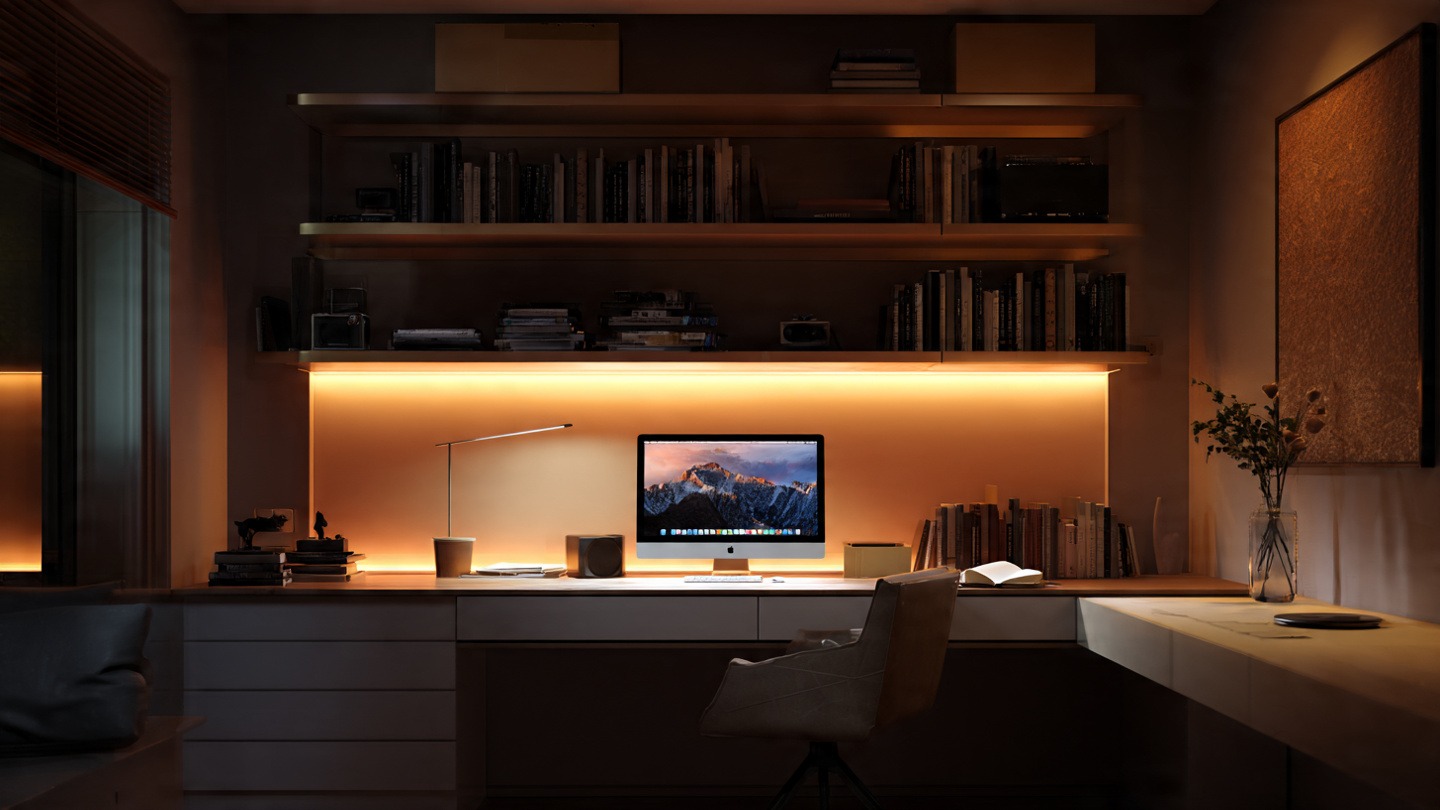
In the era of remote work, your home office design is also your professional brand. Your video call background is essentially a digital business card. The goal is to create a professional background for zoom that feels curated but not sterile.
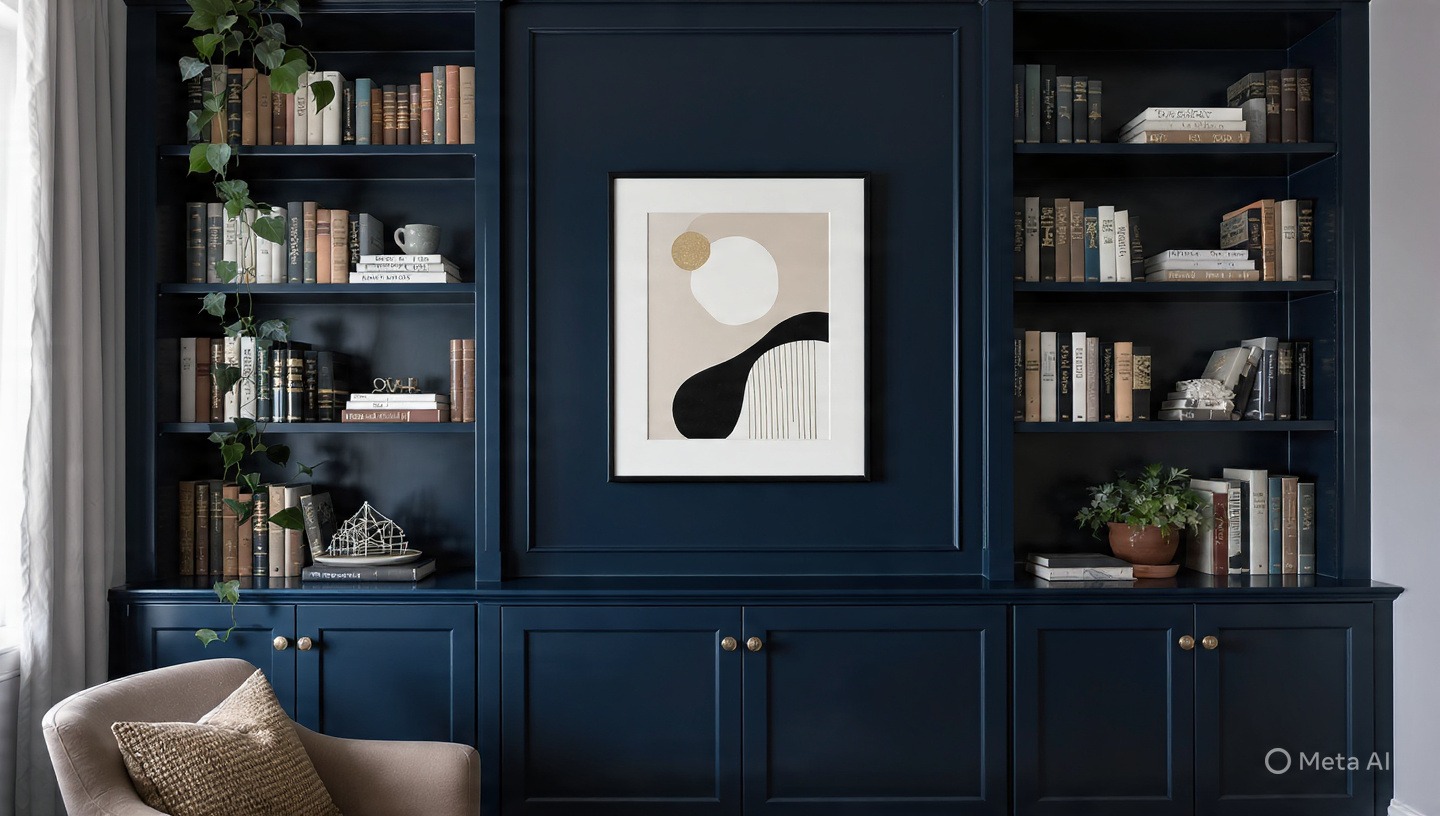
Avoid placing your desk directly in front of a blank white wall, which can look like an interrogation room. Instead, use depth. Incorporating sleek floating shelves allows you to display a mix of professional books, a few pieces of art, and a small plant. This adds visual interest and personality without becoming a distraction. Remember, the key to productivity decor is balance; too many knick-knacks create visual noise, while too few make the space feel cold.
Common Home Office Design Mistakes to Avoid
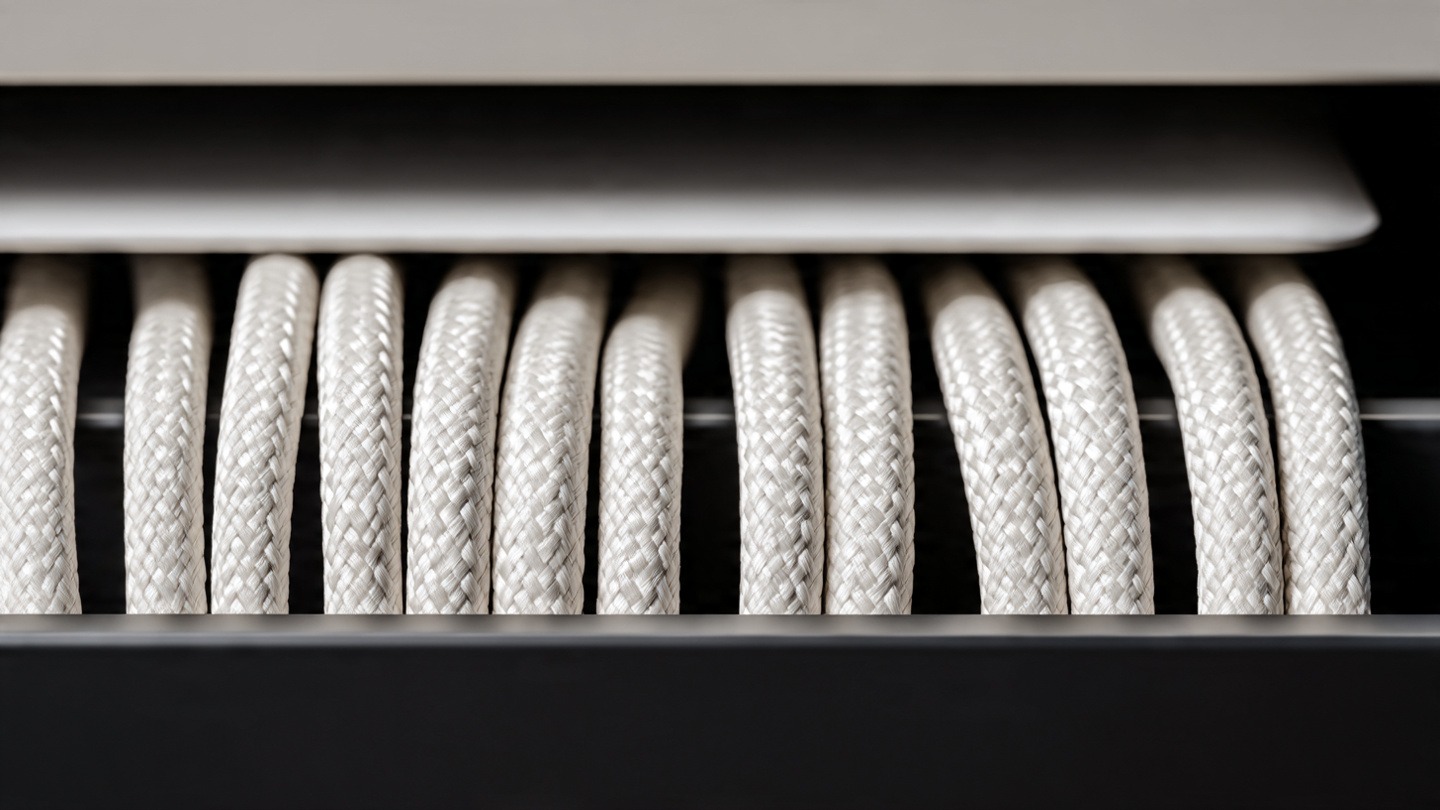
Even with a great plan, it is easy to fall into traps that hinder your productivity. One of the most frequent errors in home office design is ignoring cable management. A tangle of wires under the desk creates a subconscious sense of chaos and makes cleaning nearly impossible. Utilizing cable management solutions like under-desk trays can instantly clean up the visual profile of your room.
Other common pitfalls include:
- Prioritizing Aesthetics Over Support: Choosing a “mid-century modern” chair that looks great but offers zero lumbar support.
- Poor Ventilation: Placing a desk in a closet or small nook with no airflow, leading to CO2 buildup and drowsiness.
- Over-lighting: Using a single, powerful overhead light that creates glare on the screen and causes headaches.
Quick Answers for Common Workspace Dilemmas
How do I design a home office in a bedroom?
Use physical or visual dividers. A folding screen, a tall bookshelf, or even a different area rug can create a “psychological wall” that separates your sleep sanctuary from your work zone. Avoid placing your desk facing the bed, as this can tempt you to nap or make it hard to switch off at night.
What is the best color for productivity?
While preference varies, color psychology suggests that soft blues and greens promote calm and focus, making them ideal for high-stress roles. Yellows can spark creativity, while off-whites and light greys reduce visual clutter and keep the mind clear.
Your Workspace, Your Rules
Ultimately, home office design is an iterative process. You will not get it perfect on the first day. The most successful workspaces evolve as the user discovers their own habits and needs. Start with the non-negotiables: ergonomic support and proper lighting. Once your physical health is secured, you can layer in the aesthetics and personal touches that inspire you.
By treating your office as a system rather than a room, you create an environment that doesn’t just look professional, but actually empowers you to do your best work.